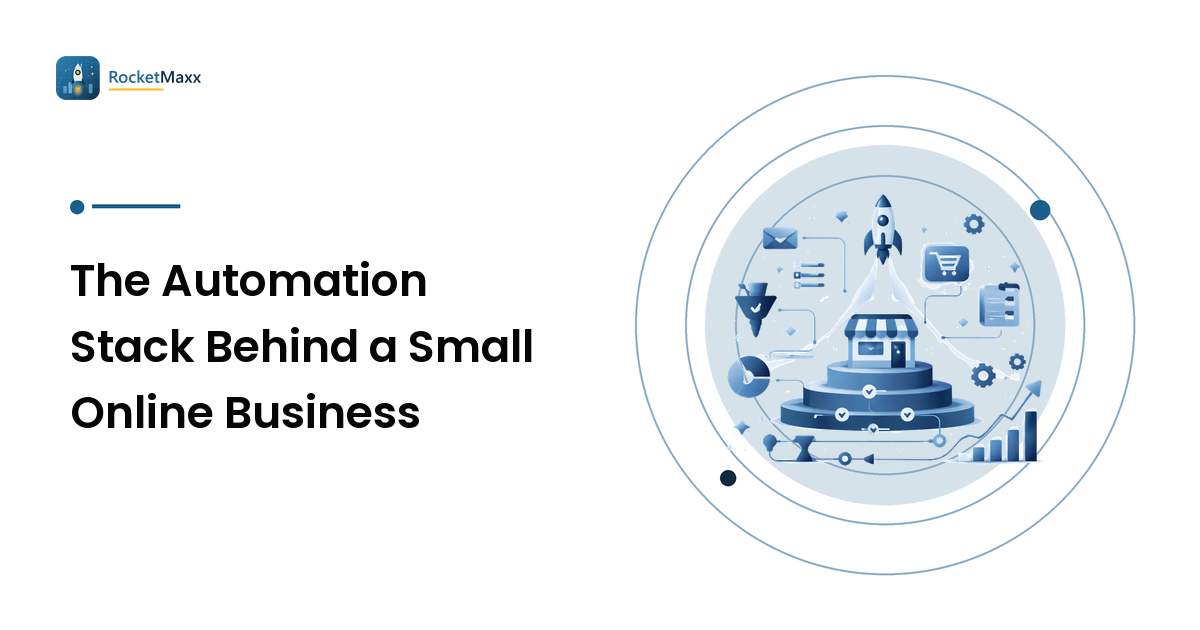
Every founder hits the same wall at the same point. You are copying order numbers into a spreadsheet for the fourth time this week, and it occurs to you that a machine should be doing this. So you wire something up. Then another thing. Eighteen months later you have thirty-one automations, you cannot remember what four of them do, two have been silently broken since spring, and every one of them charges you monthly.
The takeaway before the details: automation is not free — it converts labour cost into maintenance cost, and maintenance cost is invisible until it isn't. The winning stack for a small team is not the biggest one. It is the smallest set of automations that each save real hours, fail loudly when they break, and have an owner who knows what they do.
The filter: what actually deserves to be automated
Run every candidate task through four questions. All four have to be yes.
- Is it repeated? A task you do fifty times a month is a candidate. A task you do twice a quarter is not, no matter how tedious. The break-even on setup plus maintenance never arrives.
- Is it rule-shaped? "When order status becomes fulfilled, send template B" is rule-shaped. "Decide whether this refund request is reasonable" is not — that is judgement wearing a rule's clothing, and it is where automations quietly do damage.
- Is the input stable? Data arriving in a defined format through a supported interface will hold. Data arriving as a PDF from a supplier who redesigns their invoice twice a year is permanent repair work.
- Does a failure announce itself? An automation that fails loudly costs you an afternoon. One that fails silently — the review requests that stopped sending, the export writing empty files — can cost you a quarter before you notice.
That fourth question is the one people skip, and it is the difference between a stack that compounds and a stack that rots.
Tier one: automate these first
These share a profile — high repetition, stable interfaces, and a failure you notice quickly because a customer or a number tells you.
Transactional customer messaging. Order confirmation, shipping notification, delivery follow-up, review request. Your platform or email tool already does this natively, the triggers are events it owns, and there is nothing to break between systems. Highest return, lowest fragility.
Cart and browse recovery sequences. Same argument, more upside: a triggered sequence that runs whether or not you are awake. It is the most reliably profitable automation a small store runs, which is why we gave it its own walkthrough.
Bookkeeping connections. A real integration between store, payment processor, and accounting tool. Both ends are vendor-maintained, and reconciliation surfaces breakage within a month.
Backups and exports. Unglamorous, and the automation most likely to matter on your worst day. Scheduled, versioned, with a restore you have actually tested once.
Reporting rollups. One scheduled job putting the five numbers you check anyway in one place. Not a dashboard project — a digest.
Tier two: worth it, but only past a volume threshold
Inventory sync across channels, social scheduling, lifecycle branching, supplier reorder triggers. Each is useful and each carries real upkeep. The honest rule: automate these when the manual version costs more than about two hours a week, and not before. Below that line you are buying a tool to solve a problem a recurring calendar reminder already solves.
Tier three: the ones that break constantly
Not forbidden — just the ones to enter with your eyes open, because their failure rate is structural rather than accidental.
Anything driving a website's user interface. Browser automation against a supplier portal or an admin panel with no API breaks whenever someone ships a redesign. You are depending on a contract that was never offered to you.
Long integration chains. A five-step chain has five failure points and one confusing error message. Every hop multiplies the debugging cost. Keep chains to three steps.
Anything authenticating on a schedule. Sessions expire, tokens rotate, MFA prompts appear. Credential-dependent jobs are the leading cause of "it worked for six months and then stopped."
Scheduled collection from public web pages. Price monitoring, availability checks, uptime and QA runs against your own storefront. The parsing is easy; staying unblocked is not. Rate limits tighten, markup shifts, and anti-bot challenges appear on pages that never had them.
Why the collection jobs stall, specifically
That last category deserves a mechanism, because the failure looks mysterious and isn't. Anti-bot challenges — Turnstile, reCAPTCHA, and similar — are now applied broadly by default, to everyone, not just abusers. Your nightly checkout smoke test against your own store meets a wall a human clears in two seconds and a script cannot clear at all. The job does not crash. It gets HTML where it expected data, writes an empty row, and reports success.
Where the underlying collection is legitimate — your own QA and monitoring, accessibility testing, or public data you are permitted to read under the site's terms and robots.txt — a CAPTCHA-solving API turns that hard stop back into an ordinary step. CaptchaAI is one such service, and it is worth knowing the shape of the integration because it explains both the cost and the maintenance profile. It speaks the legacy 2Captcha-style protocol: submit to /in.php, poll /res.php until the answer is ready.
curl -s -X POST "https://ocr.captchaai.com/in.php" \
  -d "key=YOUR_API_KEY" \
  -d "method=turnstile" \
  -d "sitekey=0xAAAAAAAAAAAAAAAAAAAAAA" \
  -d "pageurl=https://your-own-store.example/pricing" \
  -d "json=1"
# {"status":1,"request":"2122988149"}

# 2. Poll about every 5 seconds until it stops saying CAPCHA_NOT_READY
curl -s "https://ocr.captchaai.com/res.php?key=YOUR_API_KEY&action=get&id=2122988149&json=1"
# {"status":0,"request":"CAPCHA_NOT_READY"}
# ... then ...
# {"status":1,"request":"<solution token>"}
Drop json=1 and you get the legacy plain-text form. The key is 32 characters, and the documented error codes you must handle are few: CAPCHA_NOT_READY (keep polling), ERROR_UNSOLVABLE (retry once, then skip the source), and ERROR_ZERO_BALANCE (out of budget — this one should page you, not log quietly).
Two details matter for stack planning. First, the published per-type figures are the vendor's own: Turnstile at 100% success in under 10 seconds, reCAPTCHA v2 at over 99.5% in under 60 seconds, v3 at over 99% in under 4 seconds. Treat those as claims to verify against your own pages, not capacity-model inputs. Second, the pricing is thread-based rather than per-solve — you buy concurrent threads with unlimited solves and no per-CAPTCHA fee, published from $15/month for 5 threads on BASIC up to $300/month for 200 threads on ENTERPRISE. For a nightly monitor running a bounded number of checks, a fixed line item beats a metered one you cannot forecast.
The frame stays narrow: a solving step keeps permitted automation running. It is not a licence to collect what a site's terms forbid, and it has no business near authentication, account creation, or anything you would not describe out loud to the site's owner.
The maintenance cost nobody budgets
Every automation has three ongoing costs, and founders reliably count only the first.
The subscription. Visible, on a card statement, easy to total.
The repair tax. A few hours per automation per year for the stable ones, considerably more for tier three. Multiply by stack size: thirty automations is a part-time job you did not hire for.
The trust tax. The real killer. Once an automation has failed silently even once, you check its output manually — forever. You are now paying the subscription and doing the task. That automation has negative value, and it will sit in your stack for years because cancelling feels like a step backwards.
Three habits keep this under control.
Put a heartbeat on everything that runs unattended. Not error alerting — success alerting. A job reporting "processed 0 rows" every night is broken and looks fine; a dead-man's switch that shouts when the expected signal doesn't arrive catches exactly that.
Keep a register. One page, one row per automation: what it does, what triggers it, what it costs, who owns it, and how you would tell if it stopped.
Audit quarterly and be ruthless. Walk the register and ask one question per row: does this still save more time than it costs? Anything you cannot confidently answer yes to gets turned off. Nothing breaks the day you disable it — that is the point of the test. Small teams rarely get into trouble for automating too little; they get into trouble because they never removed anything.
FAQ
What should a brand-new store automate first?
Transactional customer emails and cart recovery, both inside the platform you already pay for. Native triggers, no integration, fastest payback. Add bookkeeping and backups next, and resist third-party connections until a manual task costs real hours every week.
How do I know if an automation is worth keeping?
Estimate the hours it saves per month, subtract the time you spent maintaining it last quarter, then subtract the time you spend checking its output because you do not fully trust it. If the result is not clearly positive, turn it off and see whether anyone notices.
Why do my scheduled jobs stop working after a few months?
Almost always one of three things: credentials expired or rotated, the source changed its format, or a rate limit or anti-bot challenge started intercepting the request. The first two are fixable by design — use official APIs and long-lived tokens where offered. The third needs either an official data channel or, for legitimate monitoring and QA, a solving step in the loop.
Is using a CAPTCHA-solving service legitimate?
It depends entirely on what it serves. Running it against your own storefront for QA and uptime monitoring, or against public data you are permitted to collect under a site's terms and robots.txt, is ordinary automation hygiene. Using it to push past a "no" — authentication, mass account creation, anything the terms forbid — is not, and no tool makes it so.
How many automations should a small team run?
Fewer than you think. The number that matters is not how many you have, but how many you could explain in one sentence each, right now.
Start with a subtraction
Before you add the next automation, open your billing page and list what is already running. Give each one an owner, a purpose, and a way to tell if it has stopped. You will almost certainly find one to delete, which buys back more time than the new one would have saved.
Then, if what keeps breaking is scheduled collection — your own QA runs, uptime checks, or permitted public-data monitoring stalling on challenge pages — test the fix before you commit to it. Point a small batch at CaptchaAI, measure median solve time and success rate on the challenge types your own pages actually serve, and confirm the thread count you need against real concurrency. If it clears your bar, it becomes one predictable line item instead of a recurring outage. If it does not, you learned that for the price of an afternoon — which is exactly how every addition to the stack should be decided.